Creating a New Repository
Creating a New Repository
Introduction
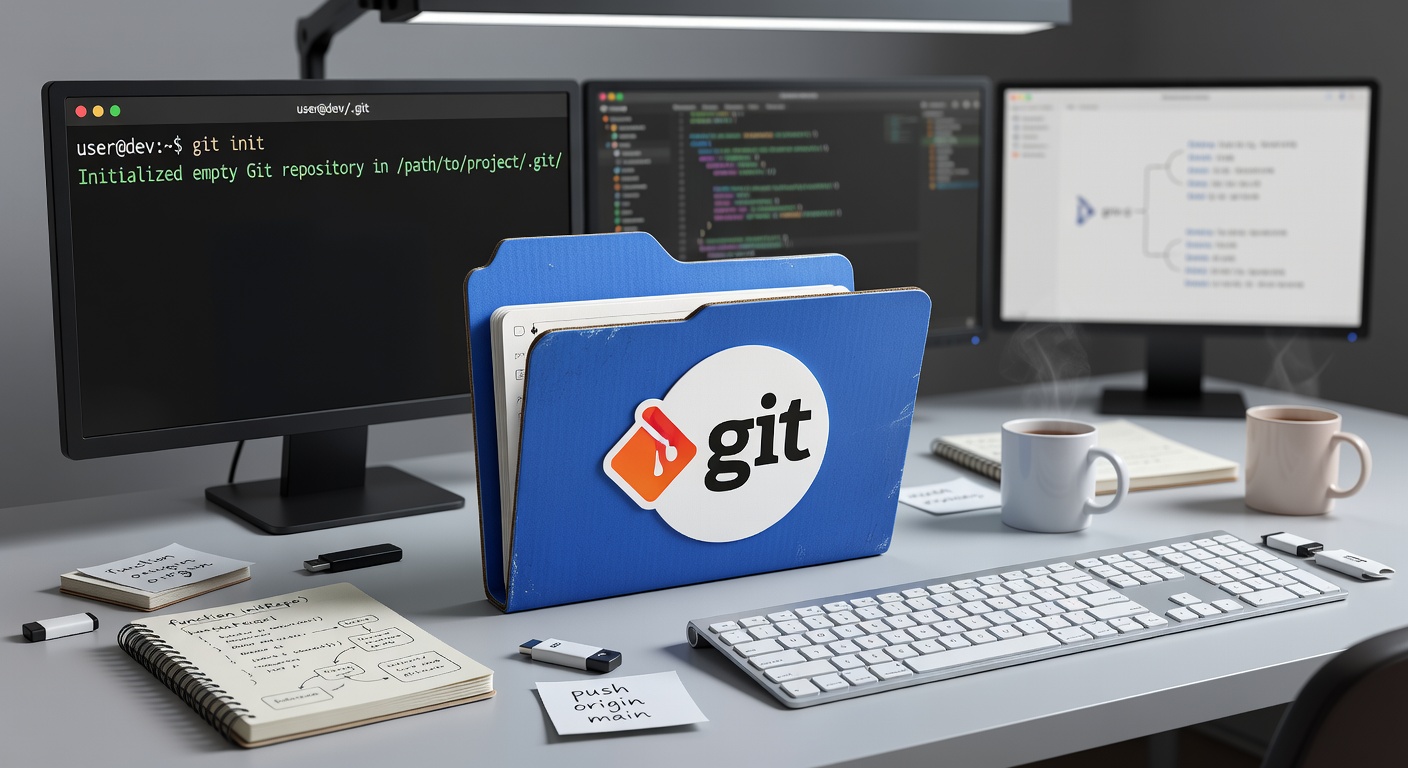
A GIT repository is a folder that GIT monitors for changes. This lesson shows how to create and initialize repositories.
Creating a New Repository
From Scratch
To create a new repository in an existing folder:
git init
This creates a hidden .git folder in your project directory.
Example:
mkdir my-project
cd my-project
git init
Output: Initialized empty Git repository in /home/user/my-project/.git/
Cloning an Existing Repository
To copy an existing repository from a remote server:
git clone https://github.com/username/repository.git
This creates a folder with the repository name.
Cloning to a specific folder:
git clone https://github.com/username/repository.git my-folder
Understanding the .git Folder
After running git init, a .git directory is created:
project/
├── .git/
│   ├── config
│   ├── description
│   ├── HEAD
│   ├── hooks/
│   ├── info/
│   ├── objects/
│   └── refs/
├── files...
└── ...
Do not modify files in .git manually unless you know what you are doing.
Checking Repository Status
git status
Output shows:
- Current branch
- Staged changes (to be committed)
- Unstaged changes (not yet staged)
- Untracked files (new files not being tracked)
The .gitignore File
Specify files that GIT should ignore:
# Create .gitignore
touch .gitignore
Example .gitignore:
# Dependencies
node_modules/
vendor/Build outputs
dist/
build/Logs
*.logEnvironment files
.env
.env.localIDE
.vscode/
.idea/OS files
.DS_Store
Thumbs.dbTemporary files
*.tmp
*.temp
Ignoring Files Already Tracked
To stop tracking a file that was previously committed:
git rm --cached filename
Then add it to .gitignore.
Creating a README
Every project should have a README.md:
# Project NameBrief description of the project.
Installation
Usage
License
MIT
Initial Commit
After creating files, make your first commit:
# Add all files
git add .Or add specific file
git add README.mdCommit with message
git commit -m "Initial commit"
Summary
Creating a repository is simple:
git init- Create a new repositorygit clone url- Copy an existing repositorygit status- Check repository state.gitignore- Specify files to excludegit add+git commit- Save your first version
Next Lesson
Learn the basic commands: add, commit, and status to manage your changes.
Quiz - Quiz - Creating a New Repository
1. What command creates a new GIT repository in an existing folder?
2. What command copies an existing repository from a remote server?
3. What is the purpose of .gitignore file?
4. What is the hidden folder created by 'git init'?
5. Which command adds all files to staging?