Viewing History and Differences
Viewing History and Differences
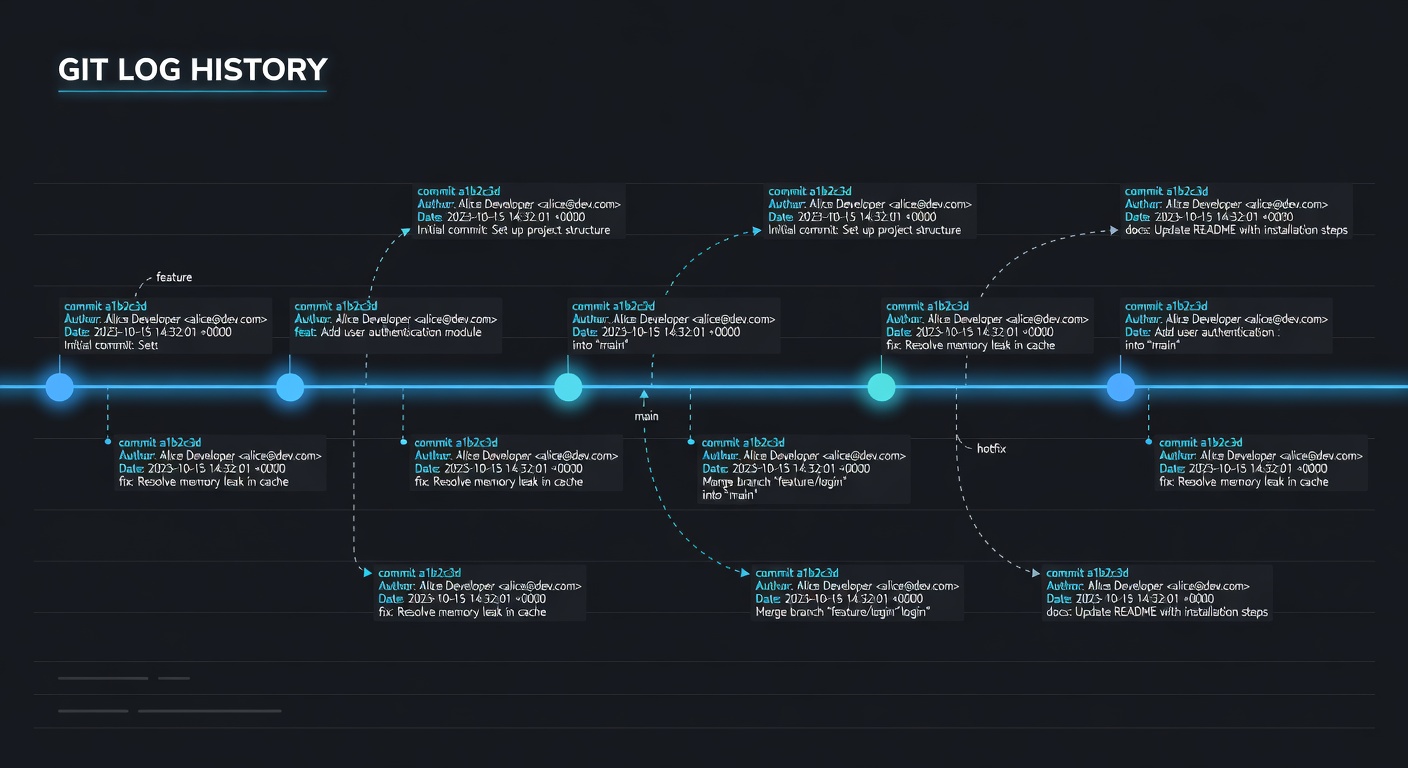
Introduction
Understanding how to view commit history and differences between versions is crucial for debugging and understanding project evolution.
Viewing Commit History
Basic Log
git log
This shows all commits with:
- Commit hash
- Author and email
- Date
- Commit message
Compact View
git log --oneline
Shows only the first line of each commit message with shortened hash.
Showing Differences
View Uncommitted Changes
git diff
Shows differences between working directory and staging area.
View Staged Changes
git diff --staged
Or:
git diff --cached
Shows differences between staging area and last commit.
Compare Two Commits
git diff commit1..commit2
Using short hashes:
git diff abc1234..def5678
Compare Branches
git diff main..feature-branch
Shows all changes in feature-branch that are not in main.
Compare Specific Files
git diff commit1..commit2 -- filename.txt
Practical Examples
Example 1: See What Changed in Last Commit
git show
Or:
git show HEAD
Example 2: See Changes in Specific File
git log -p filename.txt
Shows history of changes to a specific file.
Example 3: Who Changed What
git log --author="John"
Shows commits by a specific author.
Example 4: Find When a Line Was Added
git log -S "function_name"
Searches for commits that added or removed that string.
Example 5: Show File at Specific Commit
git show HEAD~3:filename.txt
Shows the content of a file at a specific commit.
Pretty Log Formats
Short Summary
git log --pretty=format:"%h - %an, %ar : %s"
Oneline with Graph
git log --graph --oneline --all --decorate
JSON Output
git log --pretty=format:"{}" --json
Useful for scripting.
Searching History
By Message
git log --grep="fix"
Finds commits with "fix" in the message.
By Date
git log --since="2024-01-01"
git log --until="2024-12-31"
By File
git log -- filename.txt
Shows commits affecting that file.
By Changes
git log -S "search_term"
Finds commits adding or removing that term.
Blame
Who Changed Each Line
git blame filename.txt
Shows who last modified each line and when.
Blame Specific Lines
git blame -L 10,20 filename.txt
Shows blame for lines 10-20.
Bisect
Find Bad Commit
Binary search through history:
git bisect start
git bisect bad
git bisect good v1.0.0
GIT will checkout commits for you to test. Mark as good or bad until you find the problematic commit.
End Bisect
git bisect reset
Summary
Essential commands for viewing history:
git log- View commit historygit diff- See changes between versionsgit show- View specific commitgit blame- See who changed each linegit bisect- Find problematic commits
Next Lesson
Learn about remote repositories and how to collaborate with others.
Quiz - Quiz - Viewing History and Differences
1. What command shows commit history?
2. What does 'git diff' show?
3. What command shows who changed each line of a file?
4. What is 'git bisect' used for?
5. Which flag shows a compact, one-line commit view?