Advanced MCP: Git Integration and Browser Automation
Advanced MCP: Git Integration and Browser Automation
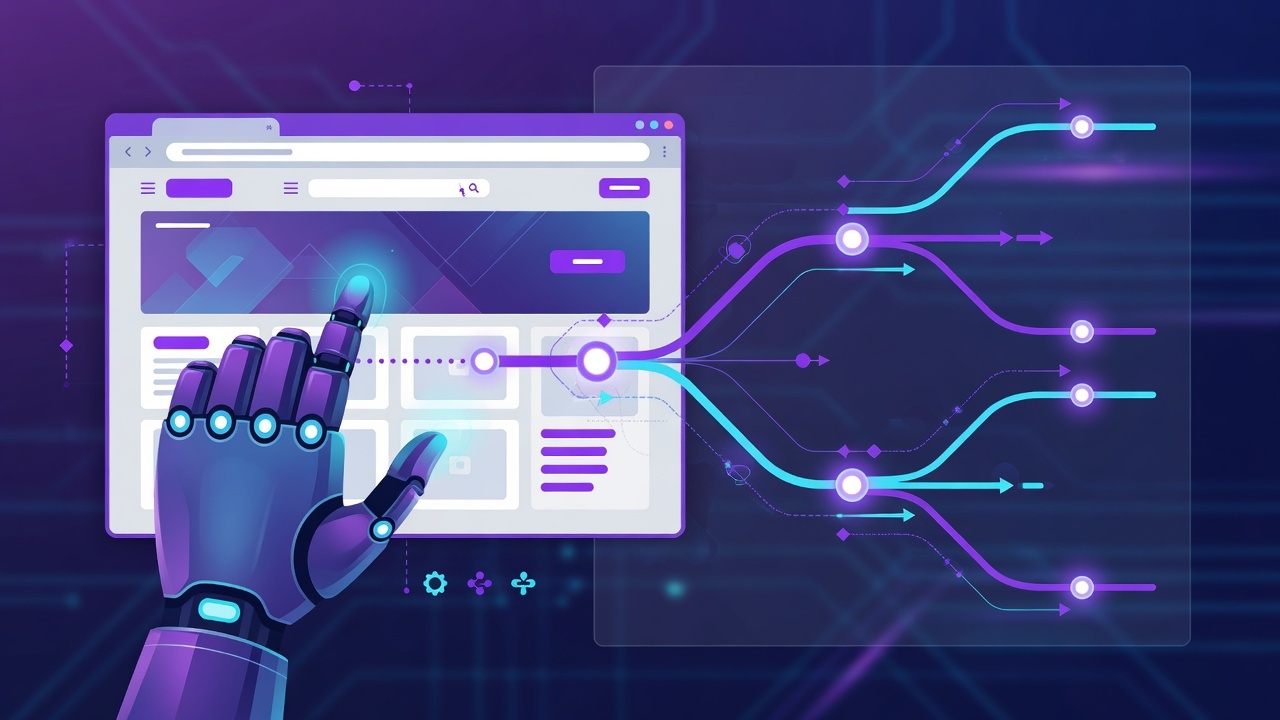
Introduction
A single-purpose MCP server is a good start, but the real power comes from combining capabilities. This lesson explores advanced MCP servers — pairing Git integration with browser automation to build tools that can review code, run tests, and inspect live web applications all from one AI session.
Git Integration via MCP
A Git MCP server exposes version-control operations as tools. This lets the AI:
- Inspect the current branch and status
- View diffs and commit history
- Create branches and commits
- Review pull requests
Example Git Tool
server.tool(
  "git_status",
  "Show the working tree status",
  {},
  async () => {
    const { execSync } = await import("child_process");
    const output = execSync("git status --short").toString();
    return { content: [{ type: "text", text: output }] };
  }
);
Browser Automation via MCP
Browser automation through MCP is particularly valuable for:
- Testing web applications — navigate, click, fill forms, verify behavior
- Scraping structured data — extract data from pages in a controlled way
- Visual inspection — capture screenshots of application states
navigate, click, fill, screenshot, and evaluate.Combining Servers
Here's where it gets interesting. When you combine multiple MCP servers, the AI assistant can:
- Call tools from different servers in a single workflow
- Use Git to check out a branch
- Use the filesystem to read the code
- Use the browser server to test the result live
            +--------------------+
            |    AI Assistant    |
            +--------------------+
                 |          |
      Git server |          | Browser server
                 v          v
          [repo state]  [live app]
A Real Workflow
Consider a typical feature-development loop:
1. The AI checks out a feature branch (Git server) 2. It writes or modifies code (filesystem/Git server) 3. It runs the app and opens a browser (browser server) 4. It fills the form and verifies the feature works (browser server) 5. It inspects the diff and commits a clean change (Git server)
All of this happens through tools, each individually permissioned and reviewable.
Security Considerations
Combining servers multiplies capability — and risk. Be careful to:
- Scope each server independently to what it needs
- Avoid giving the browser server access to sensitive authenticated sessions unless required
- Log and review tool invocations in production
Summary
- Git MCP servers enable AI-driven version control and code review
- Browser automation servers enable testing and data extraction
- Combining servers lets the AI orchestrate multi-step workflows
- Scope and log each server independently to control risk
Next Lesson
Reach beyond generic tools — let's build domain-specific MCP tools tailored to your team's workflow.
Quiz - Quiz - Advanced MCP
1. Which MCP server would be most useful for automating code reviews?
2. Browser automation via MCP is particularly powerful for...
3. When combining multiple MCP servers, the AI assistant can...