Creating Domain-Specific MCP Tools
Creating Domain-Specific MCP Tools
Introduction
Generic MCP servers handle files, Git, and browsers. But the biggest wins come from domain-specific MCP tools — servers built around the exact, repetitive tasks your team faces every day. Instead of forcing general-purpose tools to approximate your workflow, you define the tools you actually need.
What Makes a Server Domain-Specific
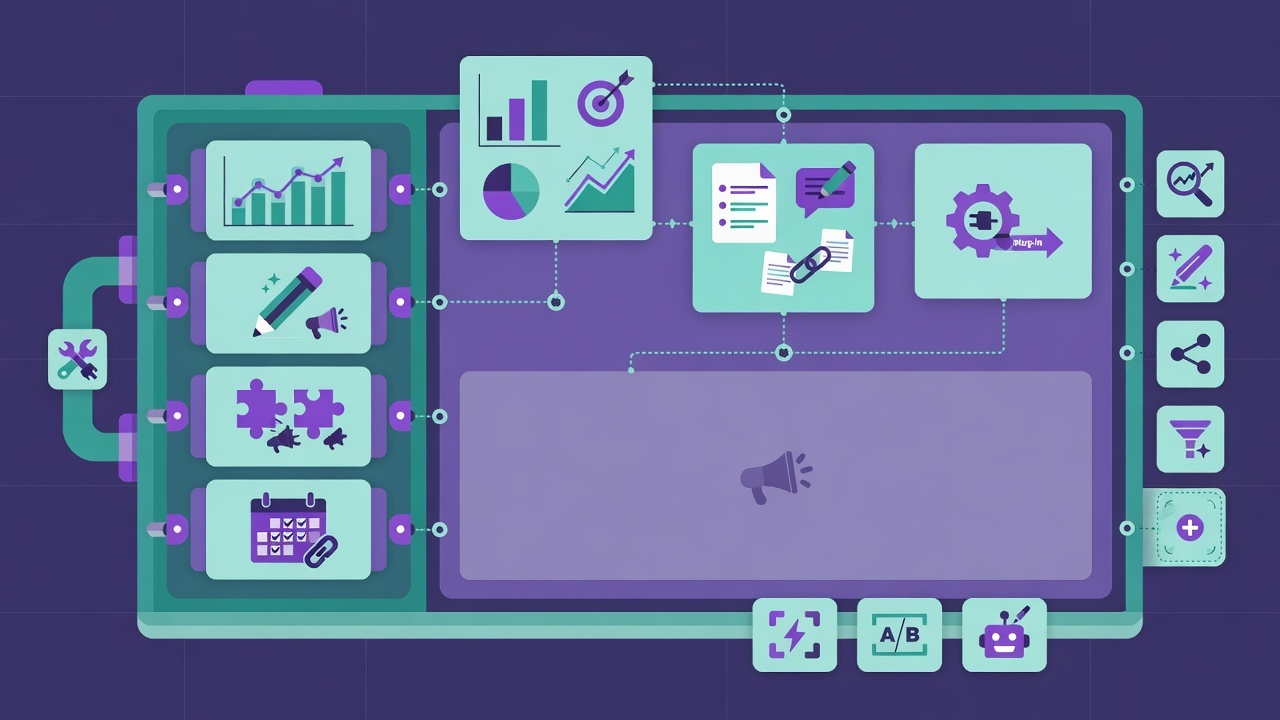
A domain-specific server encodes knowledge about a particular field or workflow. Consider a marketing team. A tailored MCP server might include tools for:
- Generating social media post drafts
- Analyzing engagement metrics from the team's analytics API
- Scheduling content across channels
- Checking brand voice and tone guidelines
Why Domain Tools Win
- Repetitive tasks disappear — the AI handles them consistently
- Process is enforced — the tool embeds your team's rules and formats
- Less prompt engineering — the tool encodes the context, so prompts stay simple
- Adapts to your workflow — not the other way around
Designing a Good Domain Tool
When designing MCP tools, follow these principles:
- Single purpose — each tool does exactly one thing
- Clear inputs and outputs — predict the schema, document it
- Obvious naming —
create_draft,analyze_engagement,check_tone - No hardcoded secrets — credentials come from environment config, never the source
Example: A Content Draft Tool
server.tool(
  "create_social_draft",
  "Generate a social media post draft from a topic and target platform",
  {
    topic: z.string(),
    platform: z.enum(["linkedin", "twitter", "instagram"]),
    tone: z.string().optional(),
  },
  async ({ topic, platform, tone }) => {
    // Call your drafting logic or AI service here
    const draft = Draft for ${platform} about ${topic};
    return { content: [{ type: "text", text: draft }] };
  }
);
Common Pitfalls
- Replicating existing CLI tools exactly — if
curlalready does it, wrap it, don't reinvent it - Too many parameters — bloated tools are hard for the AI to use correctly
- No documentation — the AI can't use a tool it can't understand
- Hardcoded credentials — a serious security anti-pattern
- Too many moving parts — keep each tool focused and testable
When Are Domain Servers Most Valuable?
Custom MCP servers pay off most when they solve repetitive tasks specific to your team's workflow — the things that would otherwise require manual steps, copy-pasting, or context-switching dozens of times a day. If you find yourself doing the same multi-step routine over and over, that's a candidate for a domain tool.
Real-World Example
A support team builds a domain server with tools that look up customer accounts, check order status, and draft replies using the team's tone template. The AI assistant handles support requests faster and consistently — every reply follows the same approved format.
Summary
- Domain-specific MCP tools encode your team's workflow
- Each tool should have a clear, single purpose
- Enforce your processes and formats inside the tools
- Solve repetitive tasks, not generic problems
Next Lesson
Scale up to multi-agent orchestration — coordinating specialized agents on complex workflows.
Quiz - Quiz - Domain-Specific MCP Tools
1. A good domain-specific MCP server for a marketing team might include tools for...
2. When designing MCP tools, each tool should have...
3. Custom MCP servers are most valuable when they...