Introduction to Model Context Protocol (MCP)
Introduction to Model Context Protocol (MCP)
Introduction
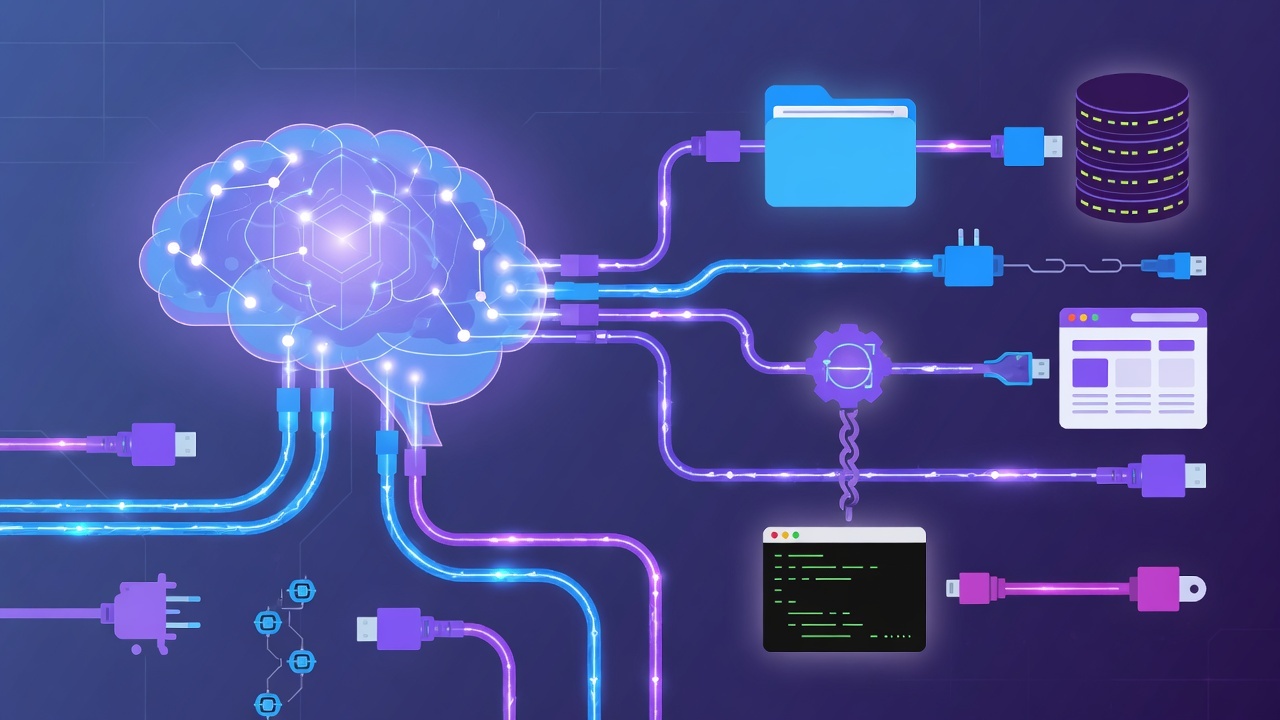
The Model Context Protocol (MCP) is an open standard that lets AI assistants securely connect to external tools and data sources. Think of it as a universal adapter between AI models and the software they need to use — the same way USB standardizes how devices connect to computers, MCP standardizes how AI connects to tools.
MCP was introduced by Anthropic and has become a widely adopted open standard across the AI-native development ecosystem.
The Problem MCP Solves
Without a common standard, connecting an AI to a tool meant writing bespoke integrations for every combination. Every AI model and every tool had different interfaces, making it slow and fragile to build, share, and maintain.
MCP defines one consistent protocol:
- AI models speak MCP on one side
- Tools and data sources speak MCP on the other side
- One integration works across many models and many tools
Core Concepts
Servers
An MCP server exposes tools, resources, and prompts to AI models. It's the bridge between the AI and a specific capability — like the filesystem, a database, Git operations, or a browser.
Clients
An MCP client is the AI application that connects to servers. When you use an AI-native tool like Claude Code, Cursor, or Windsurf, it acts as a client.
Tools
Tools are the individual operations a server exposes. Examples include read_file, write_file, list_commits, or create_ticket.
What MCP Enables
- Filesystem access — read and write files in a controlled, scoped way
- Git operations — commit, branch, merge, and inspect history
- Database queries — safely query structured data
- Browser automation — navigate and test web applications
- Domain integrations — connect to the exact services your team uses
Security Model
MCP is designed with permissioning in mind. A well-configured server exposes only the actions it's allowed to perform, and clients can review and approve tool calls. This is a big step beyond letting an AI do anything it pleases.
AI Client  <--MCP-->  MCP Server  <--scoped ops-->  Tool/Data
                          |
                     permission checks
Real-World Example
A common first MCP setup connects your AI assistant to your project's file system. Instead of pasting file contents into the chat, you give the assistant a server that can read and write files within your project directory. The assistant can then refactor code across multiple files, always staying within the allowed scope.
Summary
MCP is the open standard for connecting AI assistants to tools and data. Key takeaways:
- It standardizes AI-to-tool integration
- Servers expose tools; clients consume them
- It enables safe, scoped access to real capabilities
- It's the backbone of modern AI-native development
Next Lesson
Now that you understand MCP, let's set up your AI-native development environment — installing and configuring Cursor, Claude Code, and Windsurf.
Quiz - Quiz - MCP Introduction
1. What does MCP stand for?
2. MCP allows AI models to...
3. Which of these is a valid MCP server example?