The Animation Loop and Clock
The Animation Loop and Clock
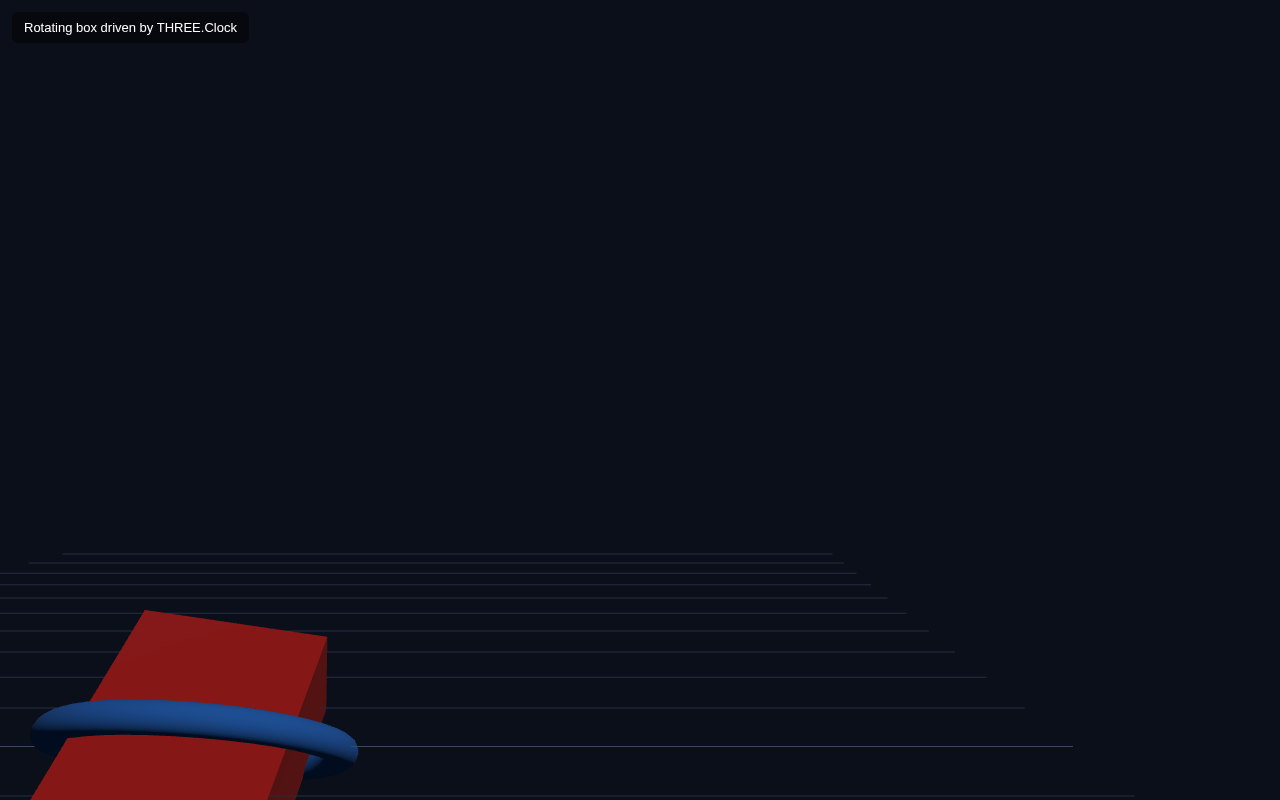
A 3D scene becomes alive when objects move over time. The engine for that is the animation loop you first saw in lesson 1 — a function that runs every frame — paired with THREE.Clock to track time consistently. In this lesson you make a box and a ring spin continuously.
Why the Loop + Clock
Your screen redraws about 60 times per second. Each draw is a frame. The animate() function runs once per frame and is the place to update positions, rotations and anything time-based. THREE.Clock gives you precise elapsed time so animation speed is smooth and consistent no matter the frame rate of the display.
Full Example
<!DOCTYPE html>
<html lang="en">
<head>
  <meta charset="UTF-8">
  <meta name="viewport" content="width=device-width, initial-scale=1.0">
  <title>Three.js – Animation Loop and Clock</title>
  <style>body{margin:0;overflow:hidden;background:#0b0f1a}
    #ui{position:absolute;top:12px;left:12px;color:#fff;font:13px sans-serif;z-index:10;background:rgba(0,0,0,.45);padding:8px 12px;border-radius:6px}</style>
</head>
<body>
  <div id="ui">Rotating box driven by THREE.Clock</div>
  <script type="importmap">
    { "imports": {
        "three": "https://unpkg.com/three@0.160.0/build/three.module.js",
        "three/addons/": "https://unpkg.com/three@0.160.0/examples/jsm/"
    } }
  </script>
  <script type="module">
    import * as THREE from 'three';    const scene = new THREE.Scene();
    scene.background = new THREE.Color(0x0b0f1a);    const camera = new THREE.PerspectiveCamera(60, innerWidth / innerHeight, 0.1, 1000);
    camera.position.set(2.5, 2, 4);    const renderer = new THREE.WebGLRenderer({ antialias: true });
    renderer.setSize(innerWidth, innerHeight);
    document.body.appendChild(renderer.domElement);    scene.add(new THREE.AmbientLight(0x404040));
    const dir = new THREE.DirectionalLight(0xffffff, 1);
    dir.position.set(3, 4, 2);
    scene.add(dir);
    scene.add(new THREE.GridHelper(10, 20, 0x3a4763, 0x232c40));    const group = new THREE.Group();
    const box = new THREE.Mesh(
      new THREE.BoxGeometry(1, 1, 1),
      new THREE.MeshStandardMaterial({ color: 0xe02424 })
    );
    group.add(box);
    const ring = new THREE.Mesh(
      new THREE.TorusGeometry(0.75, 0.08, 16, 40),
      new THREE.MeshStandardMaterial({ color: 0x2f80ed })
    );
    group.add(ring);
    scene.add(group);    const clock = new THREE.Clock();    function animate() {
      requestAnimationFrame(animate);
      const t = clock.getElapsedTime();
      box.rotation.x = t * 0.8;
      box.rotation.y = t * 1.2;
      ring.rotation.x = t * 0.6;
      renderer.render(scene, camera);
    }
    animate();
  </script>
</body>
</html>
How the Animation Works
The loop. animate() ends by calling requestAnimationFrame(animate), so the browser schedules it again for the next frame, forever. Inside, we read the time and update our objects before rendering.
Reading time. const t = clock.getElapsedTime() returns the number of seconds since the clock started. Because we multiply it into the rotation, the angle increases steadily over time.
Spinning by time. box.rotation.y = t <em> 1.2 means the box's Y rotation equals 1.2 </em> seconds, i.e. about 1.2 radians per second — a steady, continuous spin. Similarly box.rotation.x = t * 0.8 tumbles it, and the ring rotates at its own pace. Because everything is driven by the same clock value, movement stays smooth and consistent regardless of the device's frame rate.
The Group. We put the box and ring inside a THREE.Group and add the group to the scene. A group is just an invisible container that holds objects together — it lets us treat several meshes as one. This becomes central in the next lesson.
Try It Yourself
- Change
box.rotation.y = t <em> 1.2tot </em> 5— the box spins much faster. - Animate position instead:
box.position.y = Math.sin(t <em> 2) </em> 0.5makes it bob up and down. - Rotate the whole group:
group.rotation.z = t * 0.2. - Remove
const clockand useDate.now() / 1000to see a less precise time source.
Summary
The animation loop runs once per frame, and THREE.Clock supplies smooth elapsed time. By multiplying rotation or position by the clock value you create continuous, frame-rate-independent animation. Groups let you move several objects as one unit.
Next Lesson
Now you can arrange and animate. The next lesson puts it together into a live scene graph — a miniature solar system where planets orbit a central sun using nested Groups and time-based rotation.
Quiz - Quiz - Animation
1. Which three.js object tracks time consistently for animation?
2. The animation loop re-runs each frame because
3. Using elapsed time multiplied into rotation makes animation
4. A THREE.Group lets you