Your First Mesh: The Red Box
Your First Mesh: The Red Box
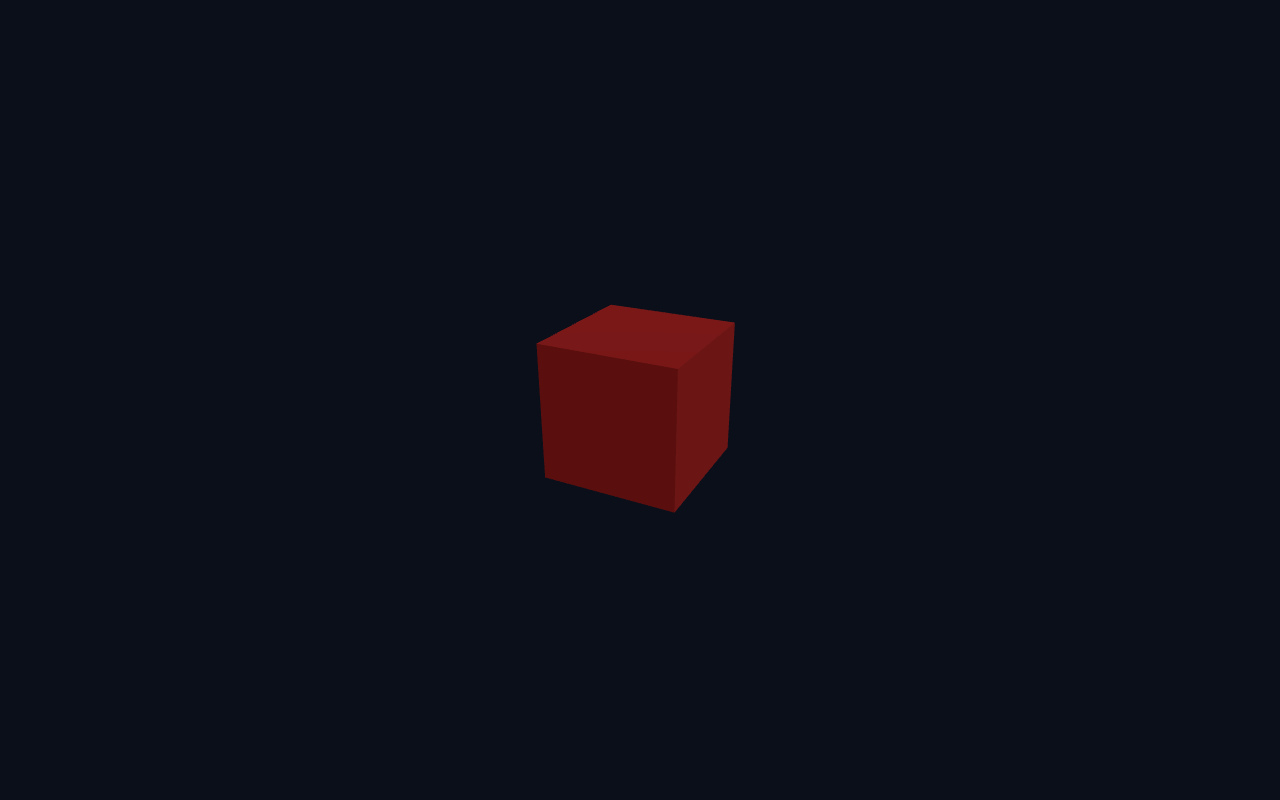
In this lesson you finally put something into the scene: a red box. You will learn the single most important idea in Three.js — that a visible 3D object is a Mesh made from two parts: a Geometry (its shape) and a Material (how it looks).
What We Are Adding
Starting from the skeleton in lesson 1, we add three things:
1. A light, so the box has some shading instead of looking flat.
2. A BoxGeometry (the shape).
3. A MeshStandardMaterial (the look) combined into a Mesh.
Full Example
You can copy the whole file below, or download it with the button above the lesson. Notice it is the lesson-1 skeleton with a few extra lines.
<!DOCTYPE html>
<html lang="en">
<head>
  <meta charset="UTF-8">
  <meta name="viewport" content="width=device-width, initial-scale=1.0">
  <title>Three.js – First Mesh: Red Box</title>
  <style>body{margin:0;overflow:hidden;background:#0b0f1a}</style>
</head>
<body>
  <script type="importmap">
    { "imports": {
        "three": "https://unpkg.com/three@0.160.0/build/three.module.js",
        "three/addons/": "https://unpkg.com/three@0.160.0/examples/jsm/"
    } }
  </script>
  <script type="module">
    import * as THREE from 'three';    const scene = new THREE.Scene();
    scene.background = new THREE.Color(0x0b0f1a);    const camera = new THREE.PerspectiveCamera(60, innerWidth / innerHeight, 0.1, 1000);
    camera.position.set(2, 2, 4);
    camera.lookAt(0, 0, 0);    const renderer = new THREE.WebGLRenderer({ antialias: true });
    renderer.setSize(innerWidth, innerHeight);
    document.body.appendChild(renderer.domElement);    scene.add(new THREE.AmbientLight(0x404040));
    const dir = new THREE.DirectionalLight(0xffffff, 1);
    dir.position.set(3, 4, 2);
    scene.add(dir);    const geometry = new THREE.BoxGeometry(1, 1, 1);
    const material = new THREE.MeshStandardMaterial({ color: 0xe02424 });
    const box = new THREE.Mesh(geometry, material);
    scene.add(box);    function animate() {
      requestAnimationFrame(animate);
      renderer.render(scene, camera);
    }
    animate();
  </script>
</body>
</html>
What Changed From Lesson 1
A camera position. camera.position.set(2, 2, 4) moves the camera back and up so it can actually see the box, and camera.lookAt(0, 0, 0) points it at the origin where the box sits.
Lights. The box uses MeshStandardMaterial, which is a physically-based material that needs light to be visible. Without light it would render as a black silhouette. We add an AmbientLight (fills everything, no direction) and a DirectionalLight (parallel rays from a direction) so the box gets both overall brightness and a sense of depth.
Geometry + Material = Mesh. The core idea:
const geometry = new THREE.BoxGeometry(1, 1, 1);          // shape
const material = new THREE.MeshStandardMaterial({ color: 0xe02424 }); // look
const box = new THREE.Mesh(geometry, material);           // visible object
scene.add(box);
BoxGeometry(1, 1, 1) creates a unit cube (1 unit wide, tall and deep). The material declares its colour, 0xe02424 — a strong red. new THREE.Mesh(geometry, material) binds them into one object, and scene.add(box) places it in the world.
Try It Yourself
- Change
new THREE.BoxGeometry(1, 1, 1)to(2, 0.5, 0.5)— a long, flat slab. - Change the colour to
0x2f80ed(blue) or0x27ae60(green). - Increase the directional light to
2and notice how much brighter the lit faces get. - Add a second box with a different colour and shift it with
box2.position.set(x, y, z).
Summary
You now know the fundamental Three.js building block: a Mesh = Geometry + Material, placed in the scene with scene.add(...). You also gave your scene light so the material shades realistically. Every object you build from here on follows this same pattern.
Next Lesson
A mesh alone is only half the picture — the camera decides what you see. The next lesson compares Perspective and Orthographic cameras and how each changes the look of your scene.
Quiz - Quiz - First Mesh
1. A visible 3D object in Three.js is a Mesh made from which two parts?
2. MeshStandardMaterial needs _____ to be visible.
3. Which method places an object into the scene?