Orbit Controls: Look Around Your Scene
Orbit Controls: Look Around Your Scene
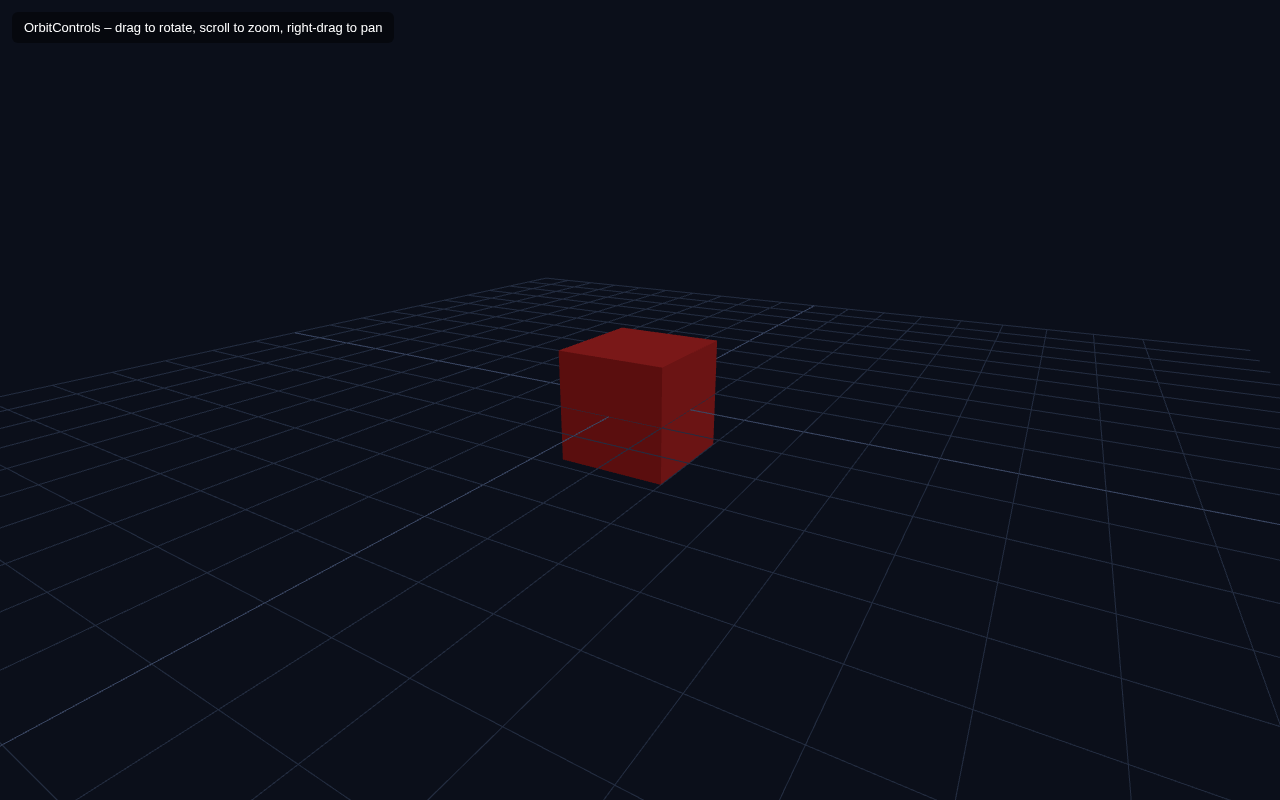
So far your camera is fixed in one place. In this lesson you add OrbitControls — a ready-made helper from the Three.js addons that lets a user drag to rotate around the scene, scroll to zoom, and right-drag to pan. This instantly makes your scene feel interactive.
What We Add
Compared to the skeleton, we add two things:
1. Import OrbitControls from the addons.
2. Create controls bound to the camera and the renderer's canvas, and call controls.update() in the animation loop.
Full Example
<!DOCTYPE html>
<html lang="en">
<head>
  <meta charset="UTF-8">
  <meta name="viewport" content="width=device-width, initial-scale=1.0">
  <title>Three.js – Orbit Controls</title>
  <style>body{margin:0;overflow:hidden;background:#0b0f1a}
    #ui{position:absolute;top:12px;left:12px;color:#fff;font:13px sans-serif;z-index:10;background:rgba(0,0,0,.45);padding:8px 12px;border-radius:6px}</style>
</head>
<body>
  <div id="ui">OrbitControls – drag to rotate, scroll to zoom, right-drag to pan</div>
  <script type="importmap">
    { "imports": {
        "three": "https://unpkg.com/three@0.160.0/build/three.module.js",
        "three/addons/": "https://unpkg.com/three@0.160.0/examples/jsm/"
    } }
  </script>
  <script type="module">
    import * as THREE from 'three';
    import { OrbitControls } from 'three/addons/controls/OrbitControls.js';    const scene = new THREE.Scene();
    scene.background = new THREE.Color(0x0b0f1a);    const camera = new THREE.PerspectiveCamera(60, innerWidth / innerHeight, 0.1, 1000);
    camera.position.set(3, 2, 5);    const renderer = new THREE.WebGLRenderer({ antialias: true });
    renderer.setSize(innerWidth, innerHeight);
    document.body.appendChild(renderer.domElement);    const controls = new OrbitControls(camera, renderer.domElement);
    controls.enableDamping = true;    scene.add(new THREE.AmbientLight(0x404040));
    const dir = new THREE.DirectionalLight(0xffffff, 1);
    dir.position.set(3, 4, 2);
    scene.add(dir);
    const grid = new THREE.GridHelper(10, 20, 0x3a4763, 0x232c40);
    scene.add(grid);    const geo = new THREE.BoxGeometry(1, 1, 1);
    const mat = new THREE.MeshStandardMaterial({ color: 0xe02424 });
    const box = new THREE.Mesh(geo, mat);
    scene.add(box);    function animate() {
      requestAnimationFrame(animate);
      controls.update();
      renderer.render(scene, camera);
    }
    animate();
  </script>
</body>
</html>
How Orbit Controls Work
Import from addons. The import map already configured three/addons/ in lesson 1, so we can import OrbitControls directly:
import { OrbitControls } from 'three/addons/controls/OrbitControls.js';
Create and bind. new OrbitControls(camera, renderer.domElement) attaches the controls to both our camera (what moves) and the canvas (where the mouse events come from). From that moment the user can orbit.
Damping. controls.enableDamping = true adds smooth, weighty easing to the camera movement instead of abrupt stops — it feels much more polished. The catch is that damping only takes effect if you call controls.update() on every frame, which is exactly why we added it inside animate().
The grid. new THREE.GridHelper(10, 20, ...) draws a 10-unit grid with 20 divisions. It is a great visual anchor so you can feel the camera moving and rotating around the scene, which makes testing controls much easier.
Try It Yourself
- In the example, drag with the left mouse button to orbit, scroll to zoom, and right-drag to pan.
- Set
controls.autoRotate = trueandcontrols.autoRotateSpeed = 2for a slowly orbiting "display mode". - Limit movement: add
controls.maxPolarAngle = Math.PI / 3to stop the camera going below the ground. - Remove
controls.update()from the loop and move the camera with the mouse — notice orbit still works but feels stiff (no damping).
Summary
OrbitControls gives you mouse-driven rotation, zoom and pan with just a few lines: import the addon, bind it to the camera and canvas, and update it each frame (especially with damping). Your static scene is now explorable.
Next Lesson
You can now orbit anything you build. In the next chapter you start modeling in earnest — the next lesson fills one scene with six different primitive geometries: box, sphere, cylinder, cone, torus and plane.
Quiz - Quiz - Orbit Controls
1. What does OrbitControls let a user do?
2. With damping enabled, which call must happen every frame?
3. OrbitControls is imported from